
Online Meme Maker – Create Funny Memes Free, No Sign-Up


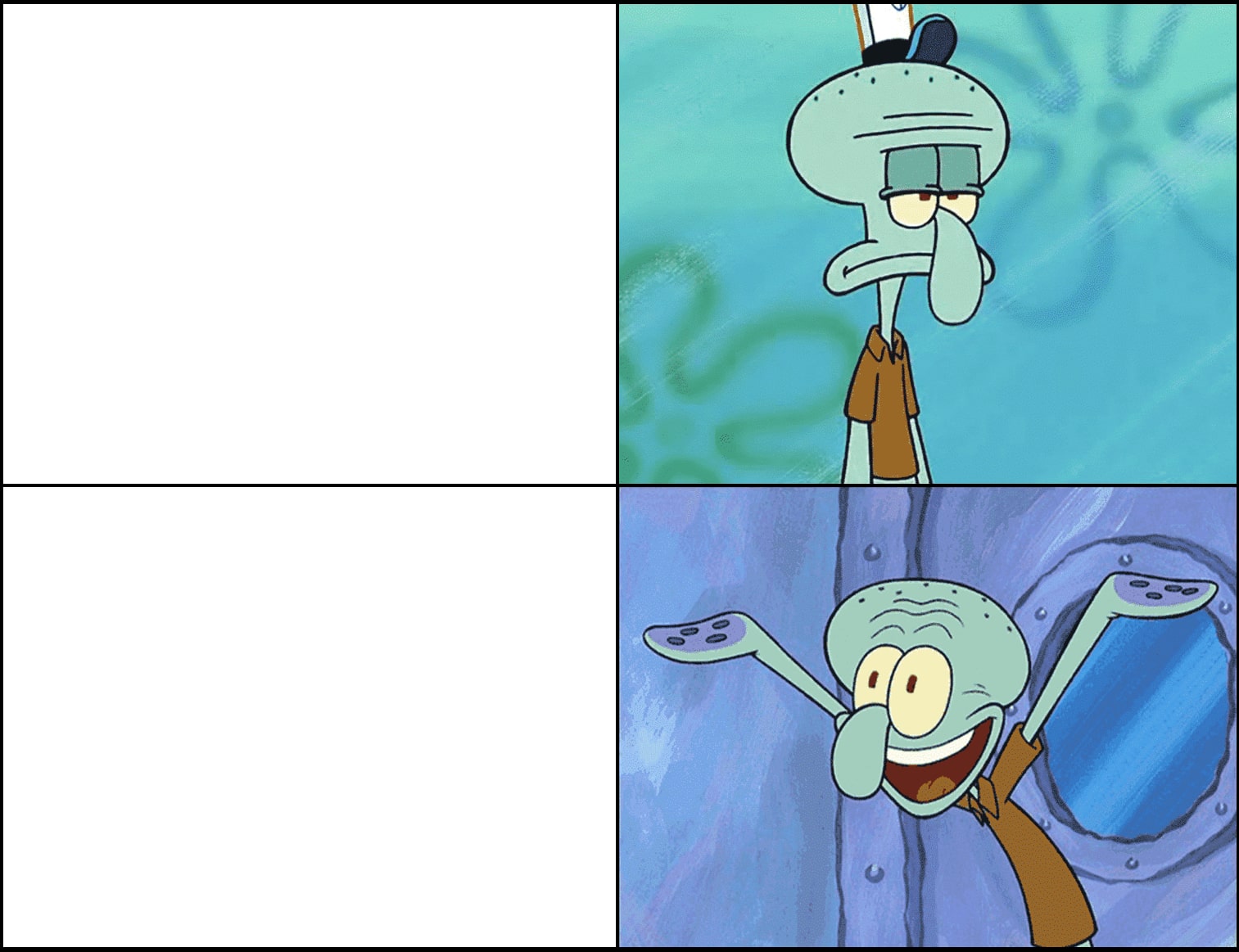
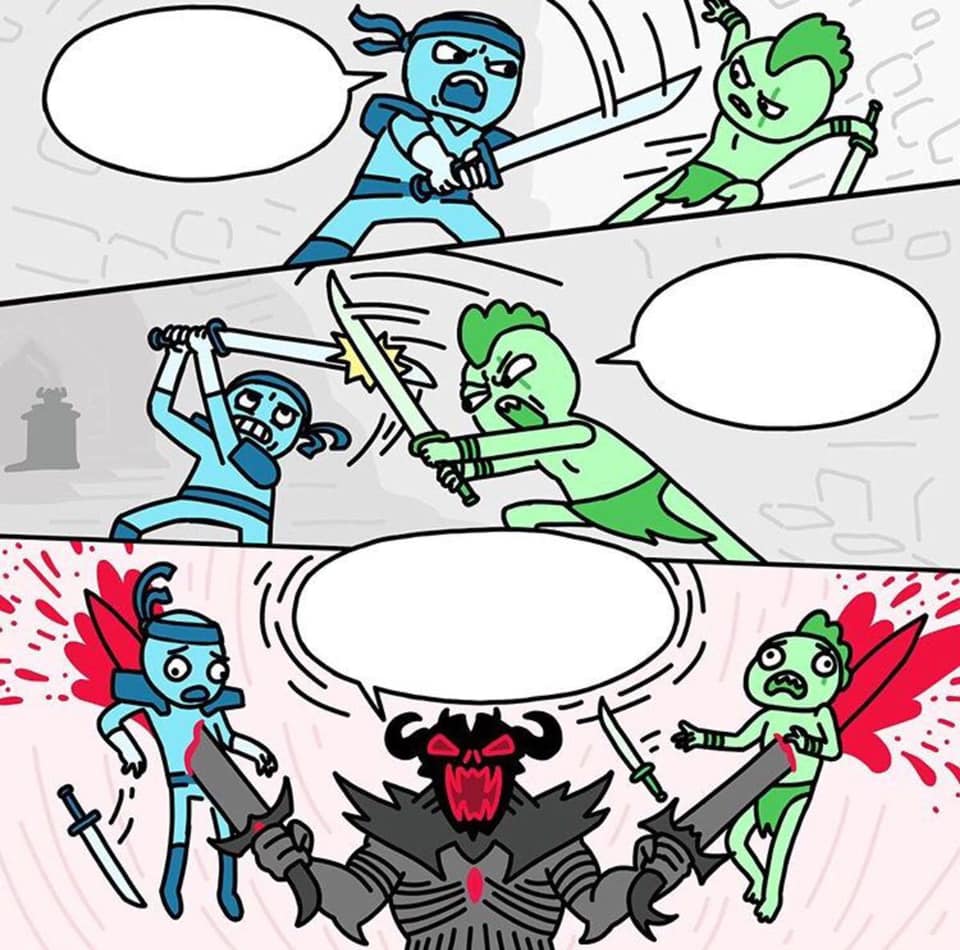
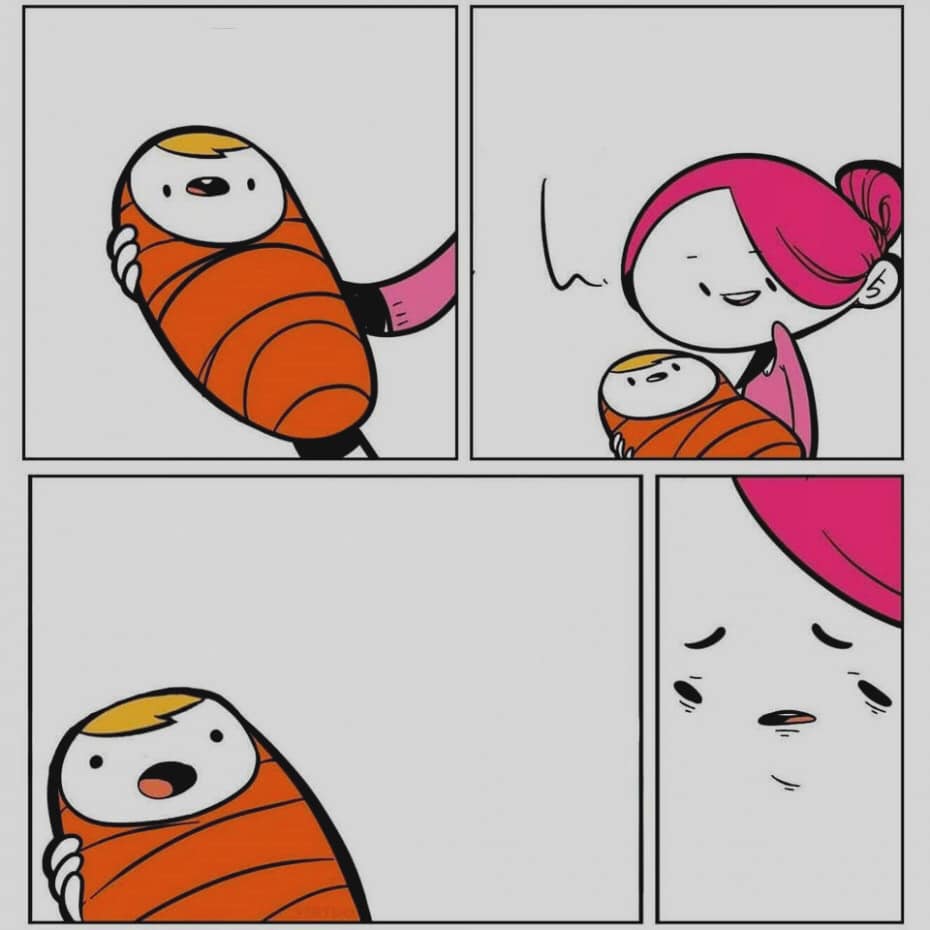
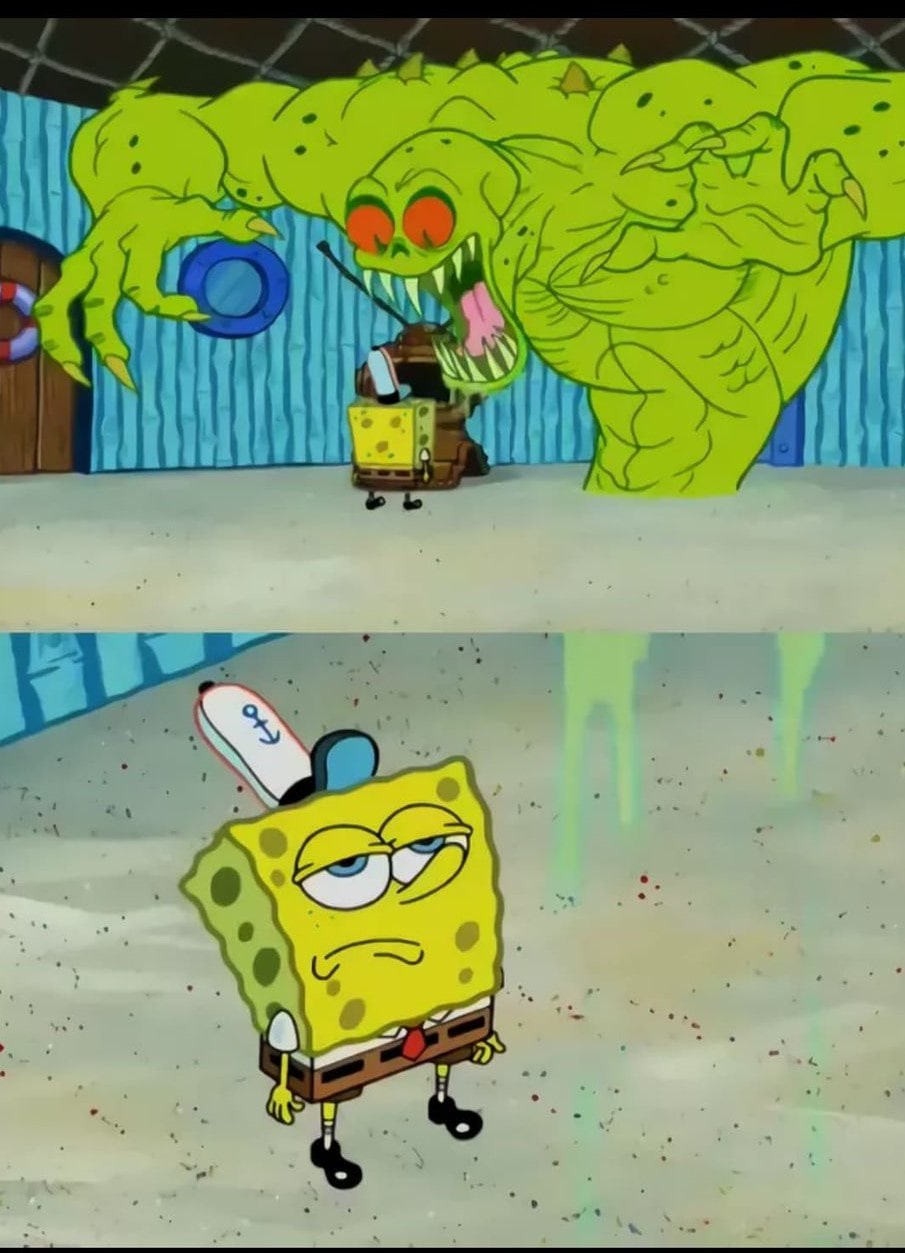
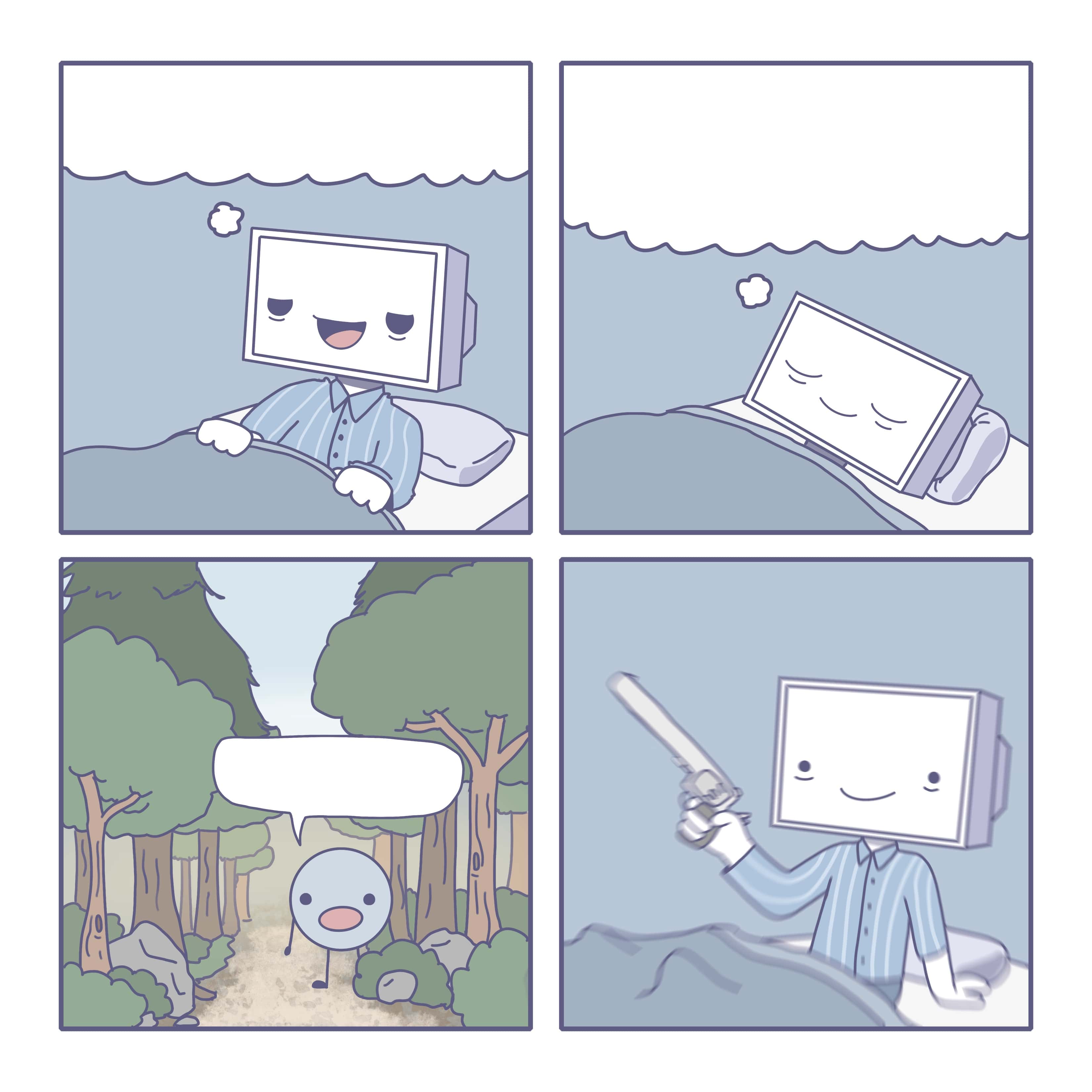
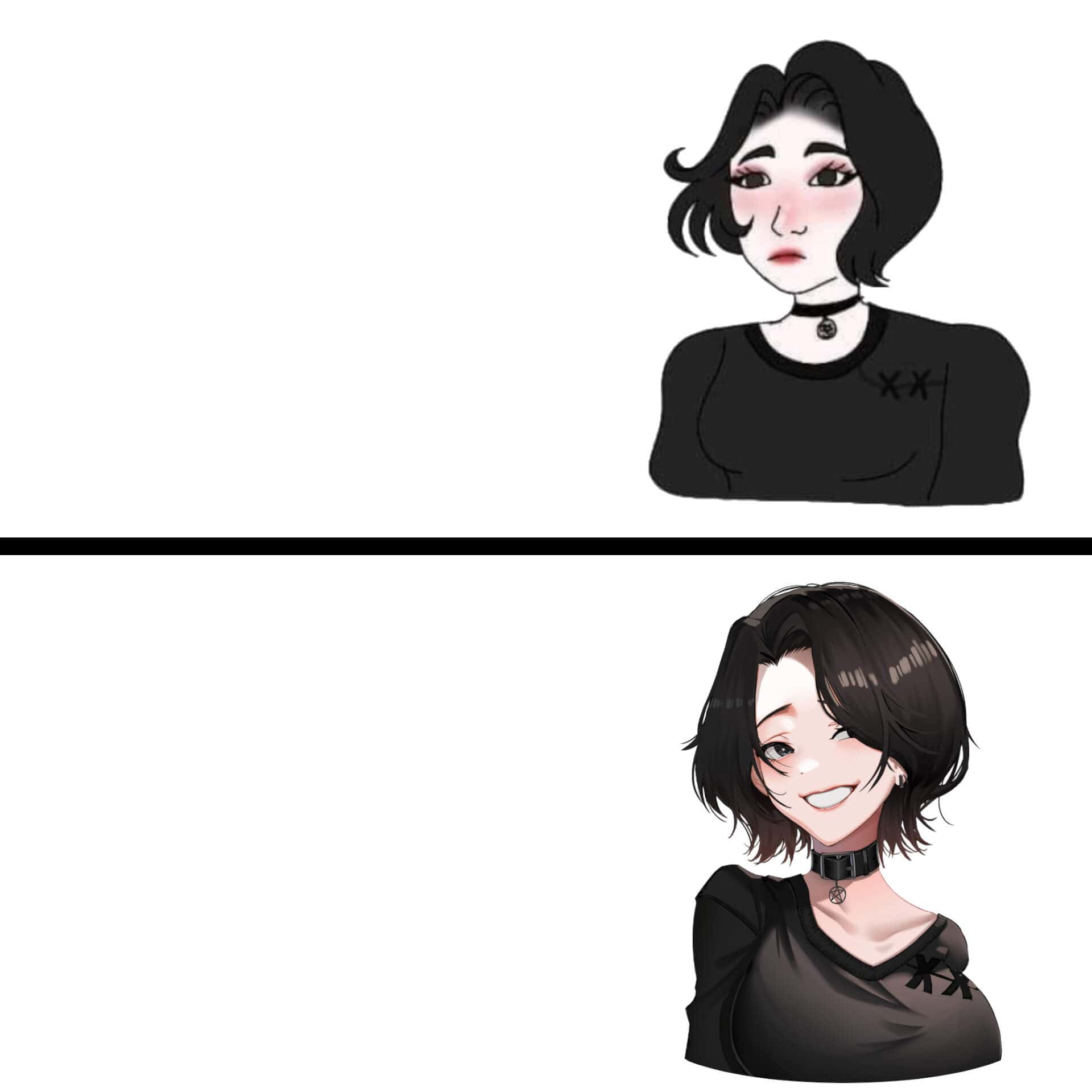
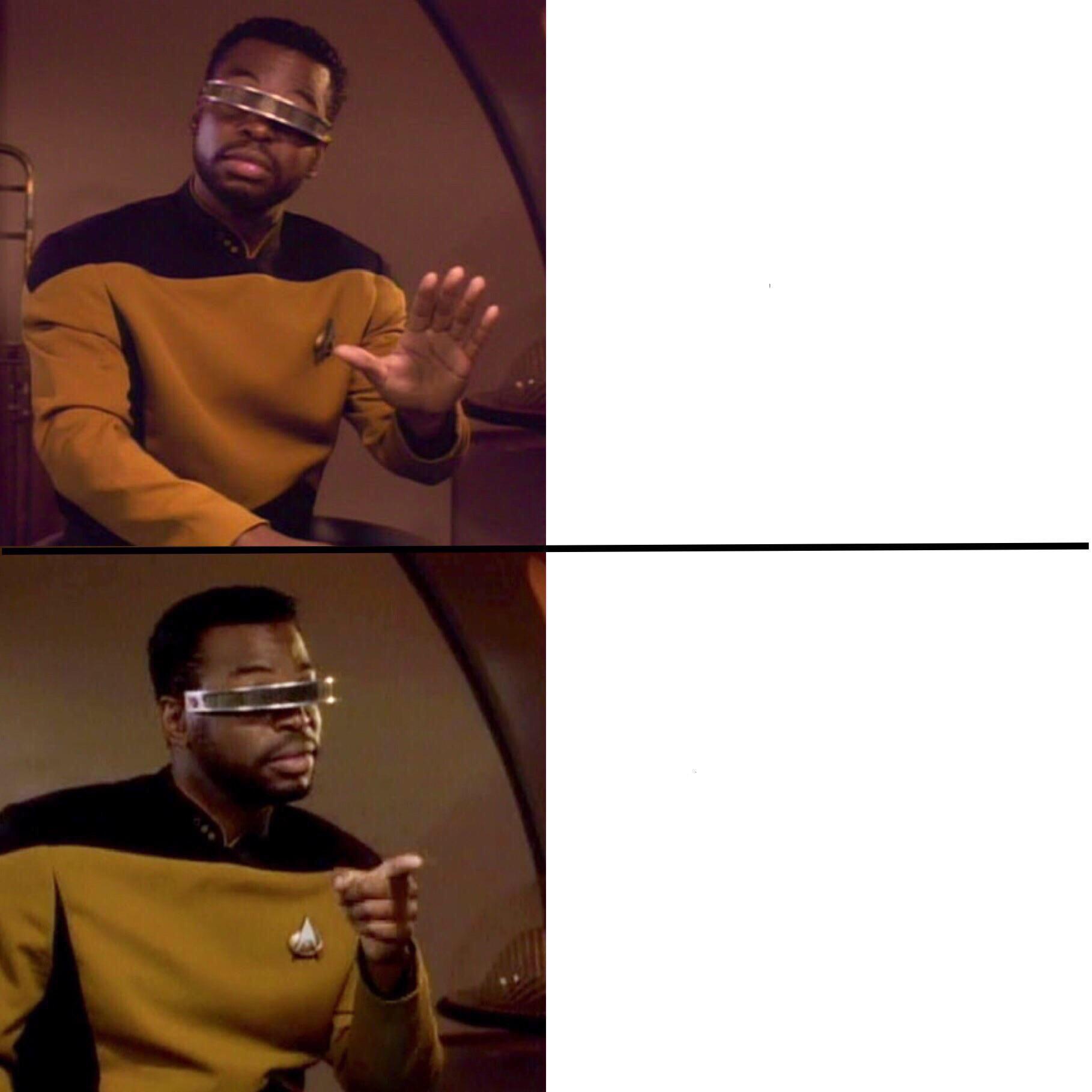
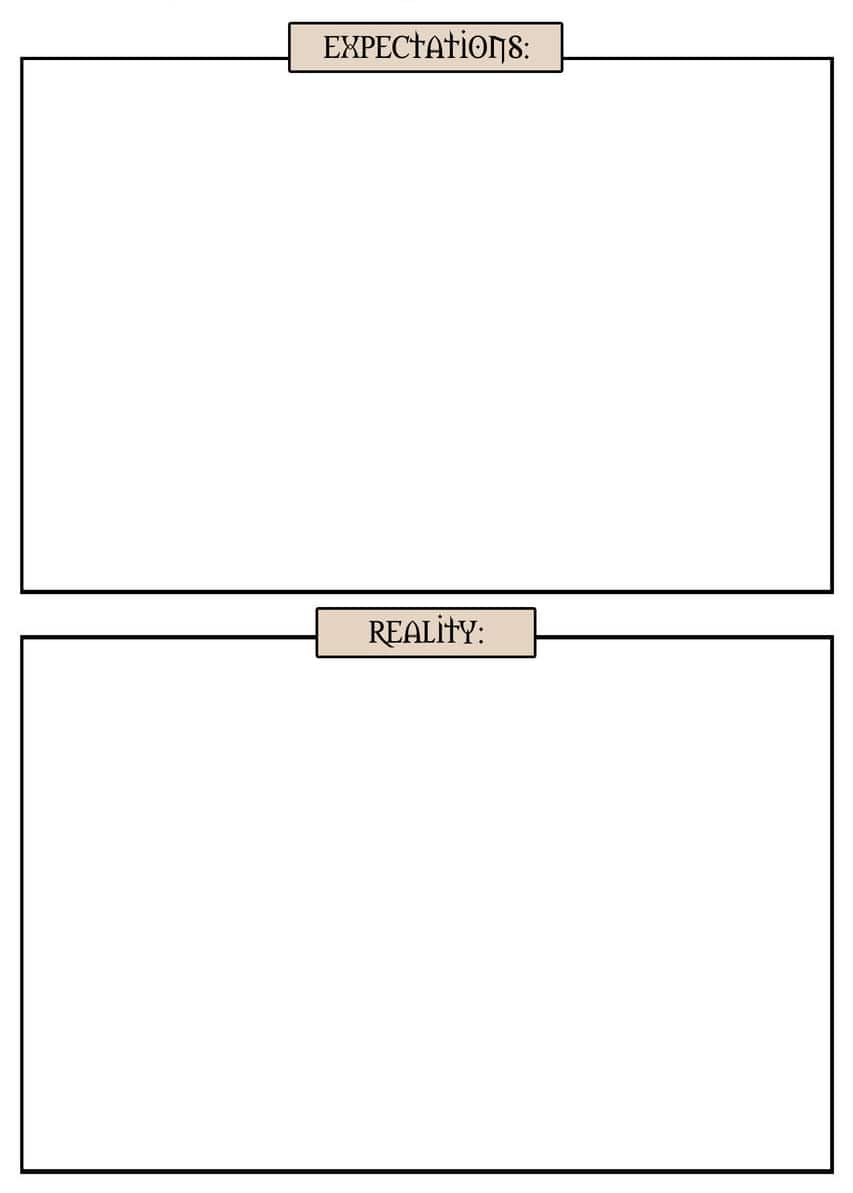


Make Memes Online Instantly — Free Meme Generator With Custom Text
Memes are one of the internet’s most shareable content formats — and creating them has never been easier. PathGyan’s free online meme maker lets you generate custom memes in seconds using popular meme templates or your own uploaded images. Add top and bottom text, customize font size and color, and download your meme instantly — no account, no software, no design skills needed.
Whether you are creating memes for a group chat, building social media content, adding humor to a presentation, or just expressing yourself creatively online — this tool gives you a fast, clean, and fun meme creation experience directly in your browser.
What Can You Do With PathGyan's Meme Maker?
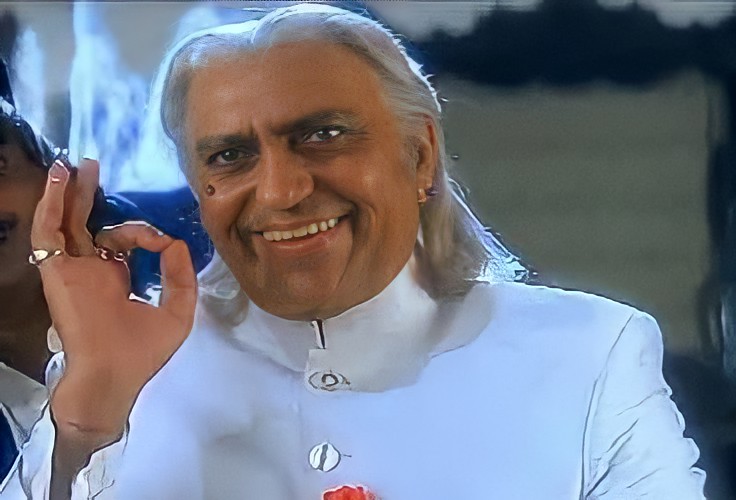
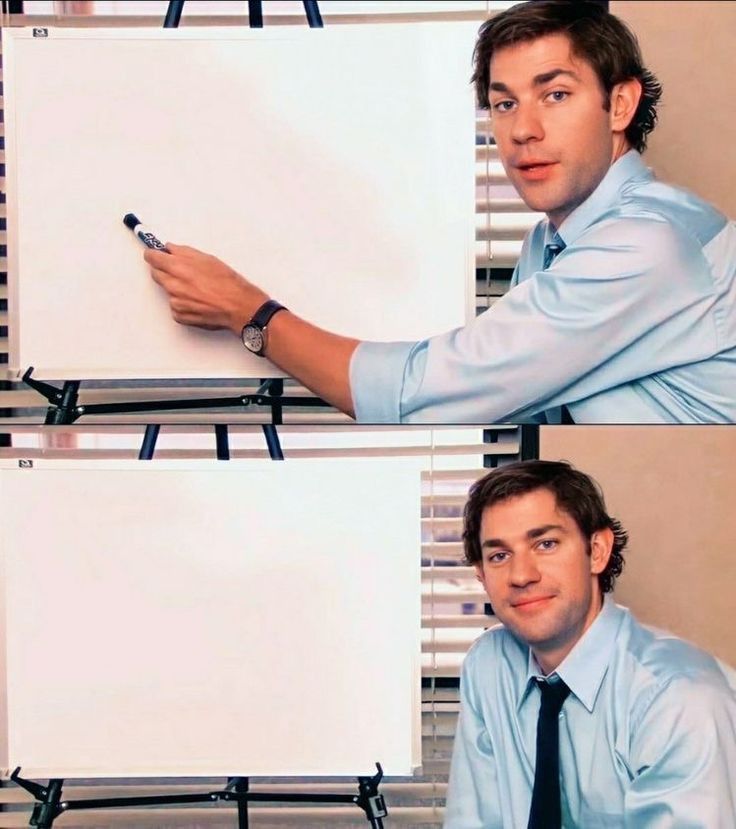
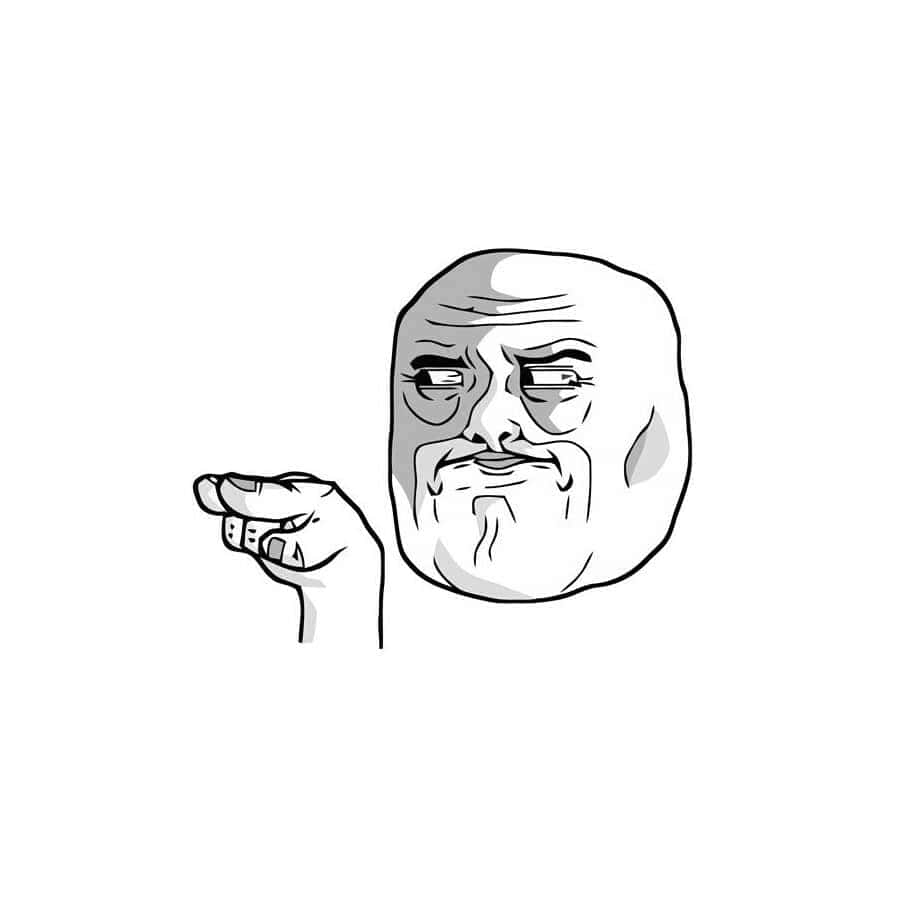
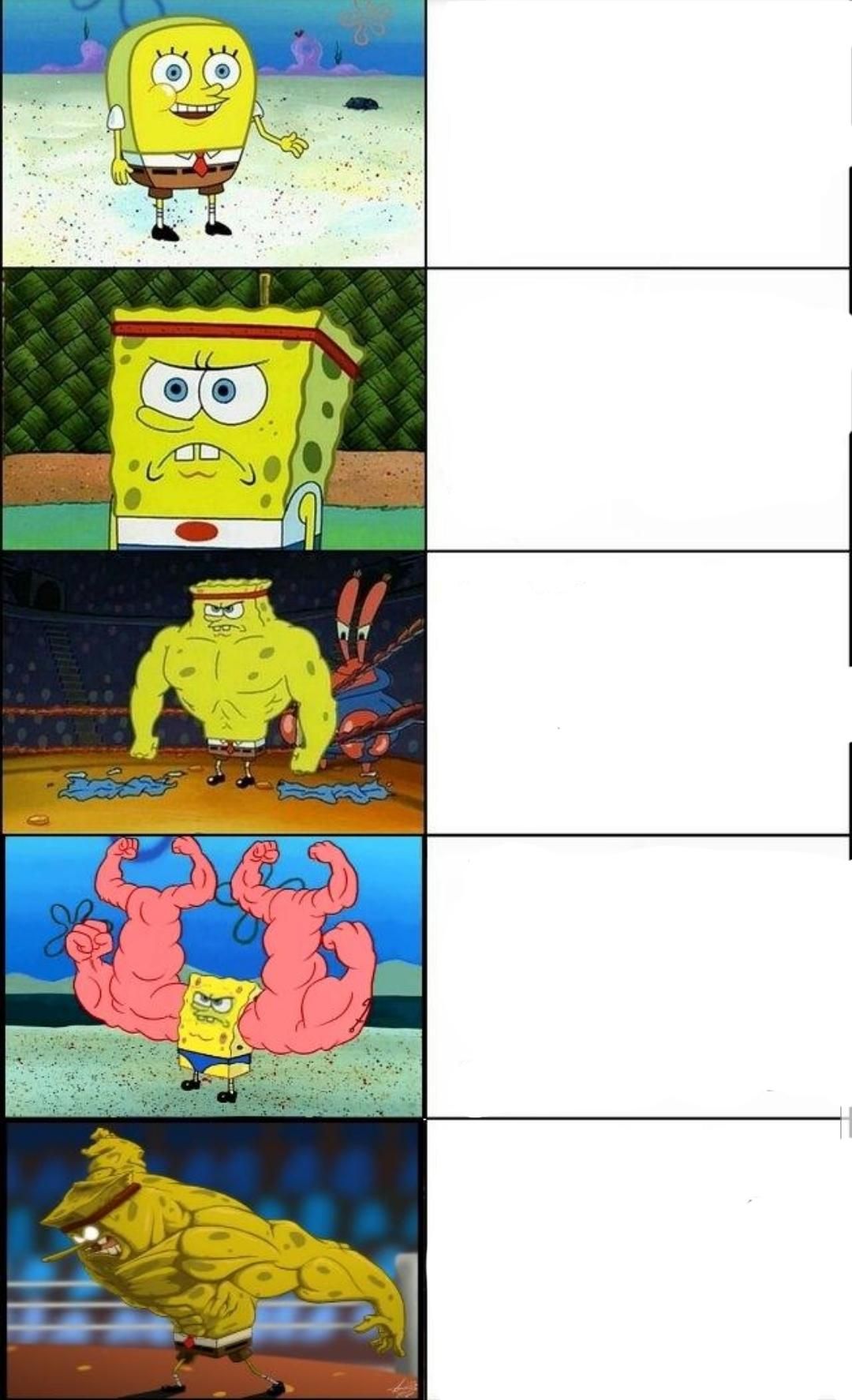
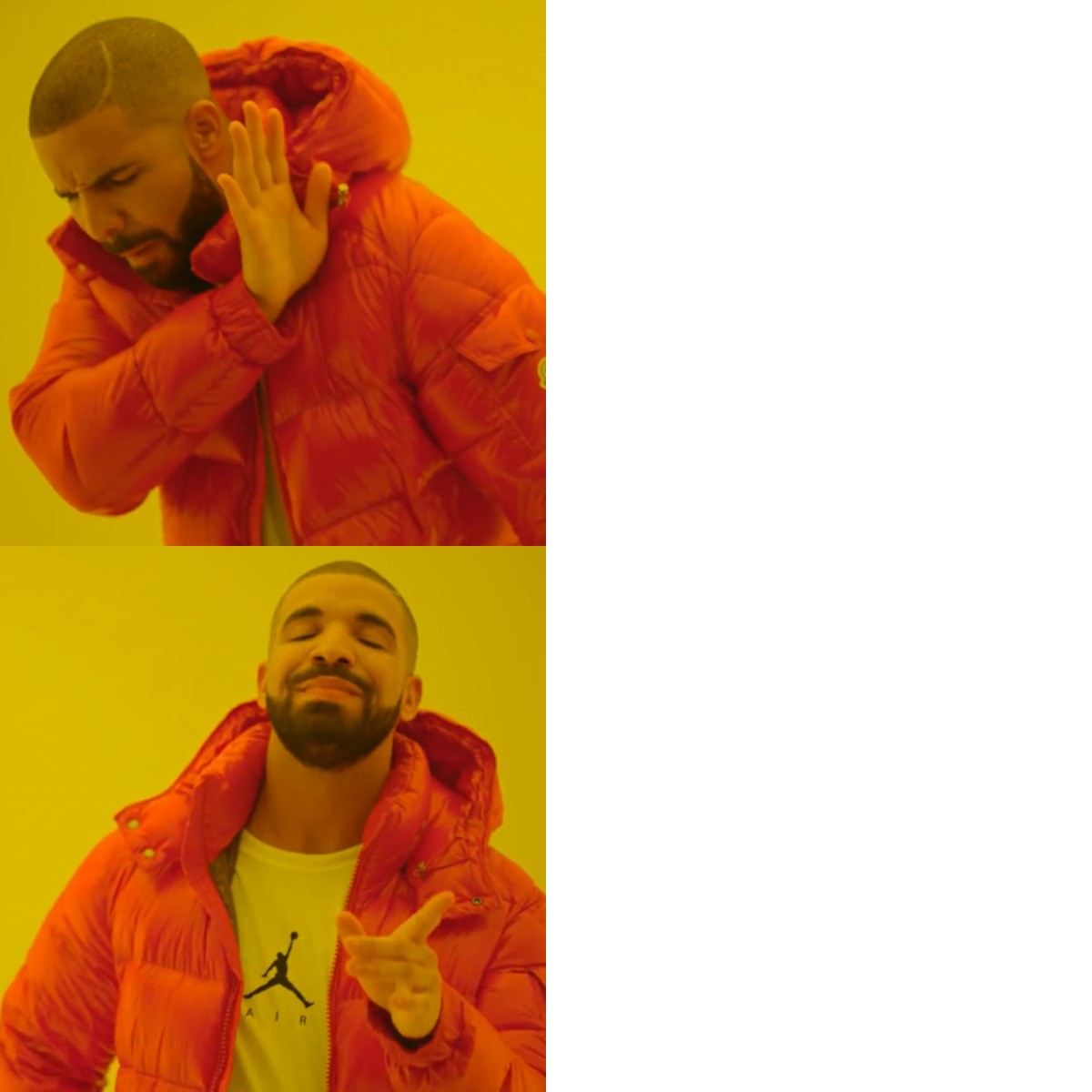
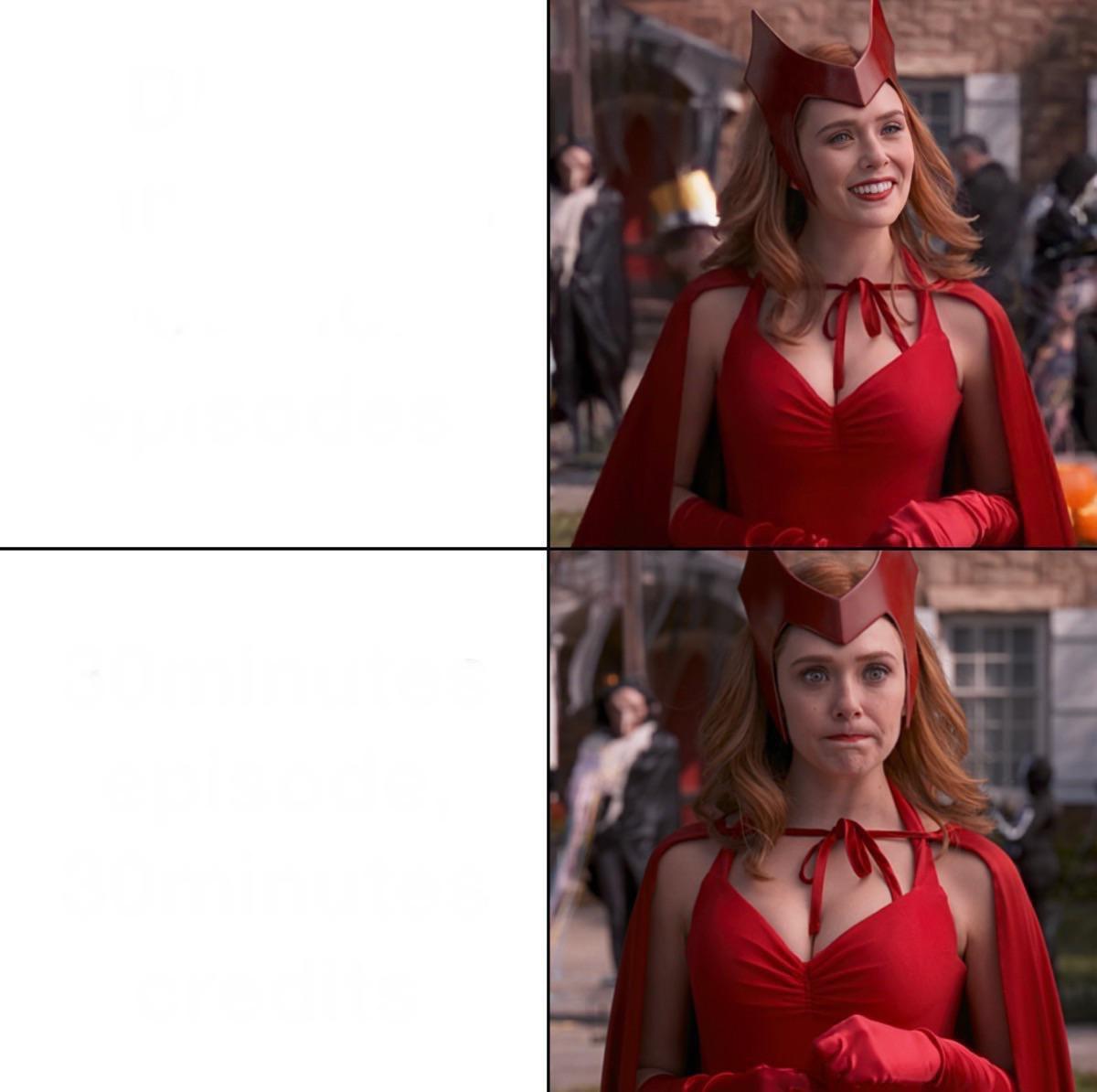
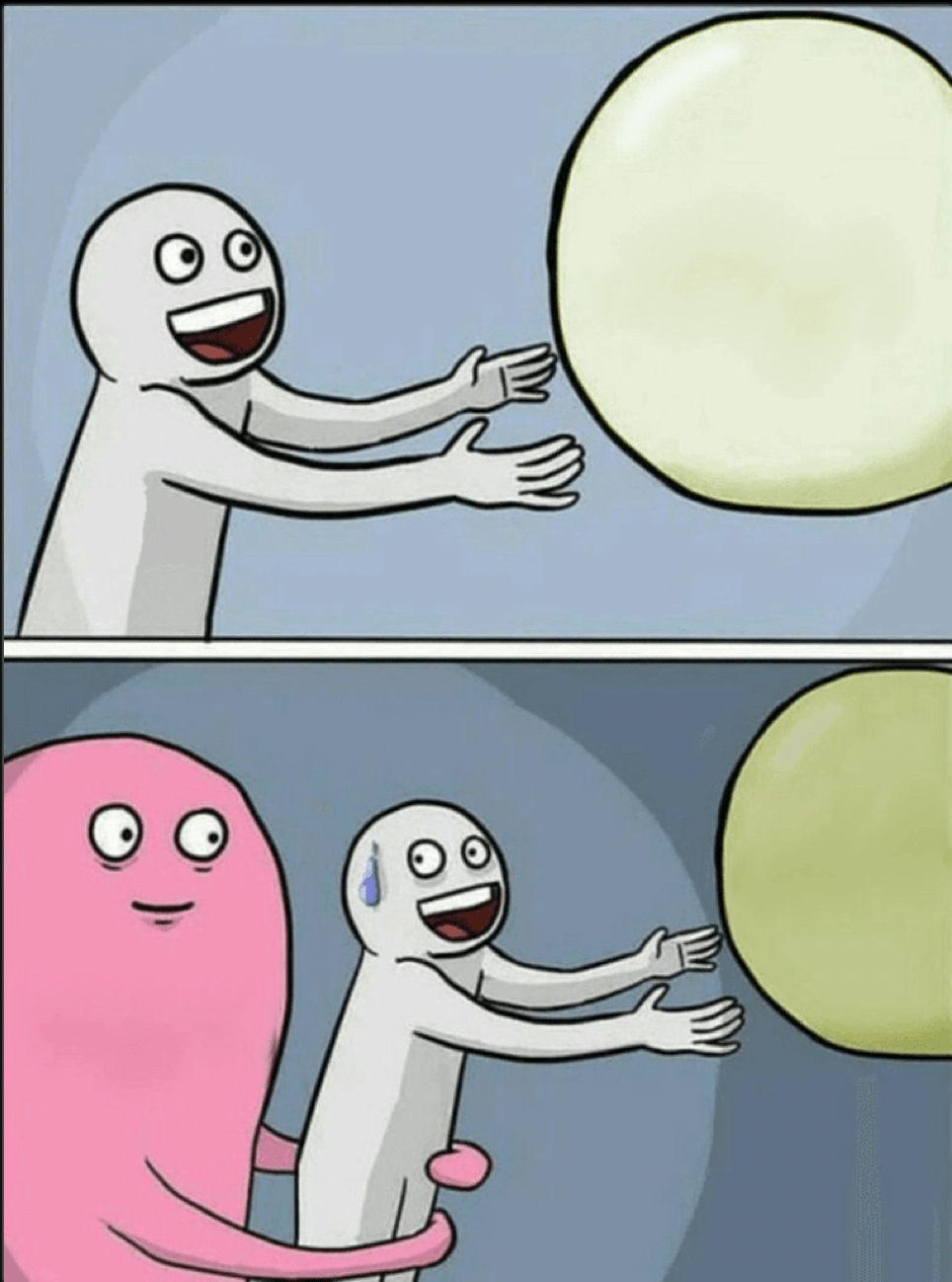
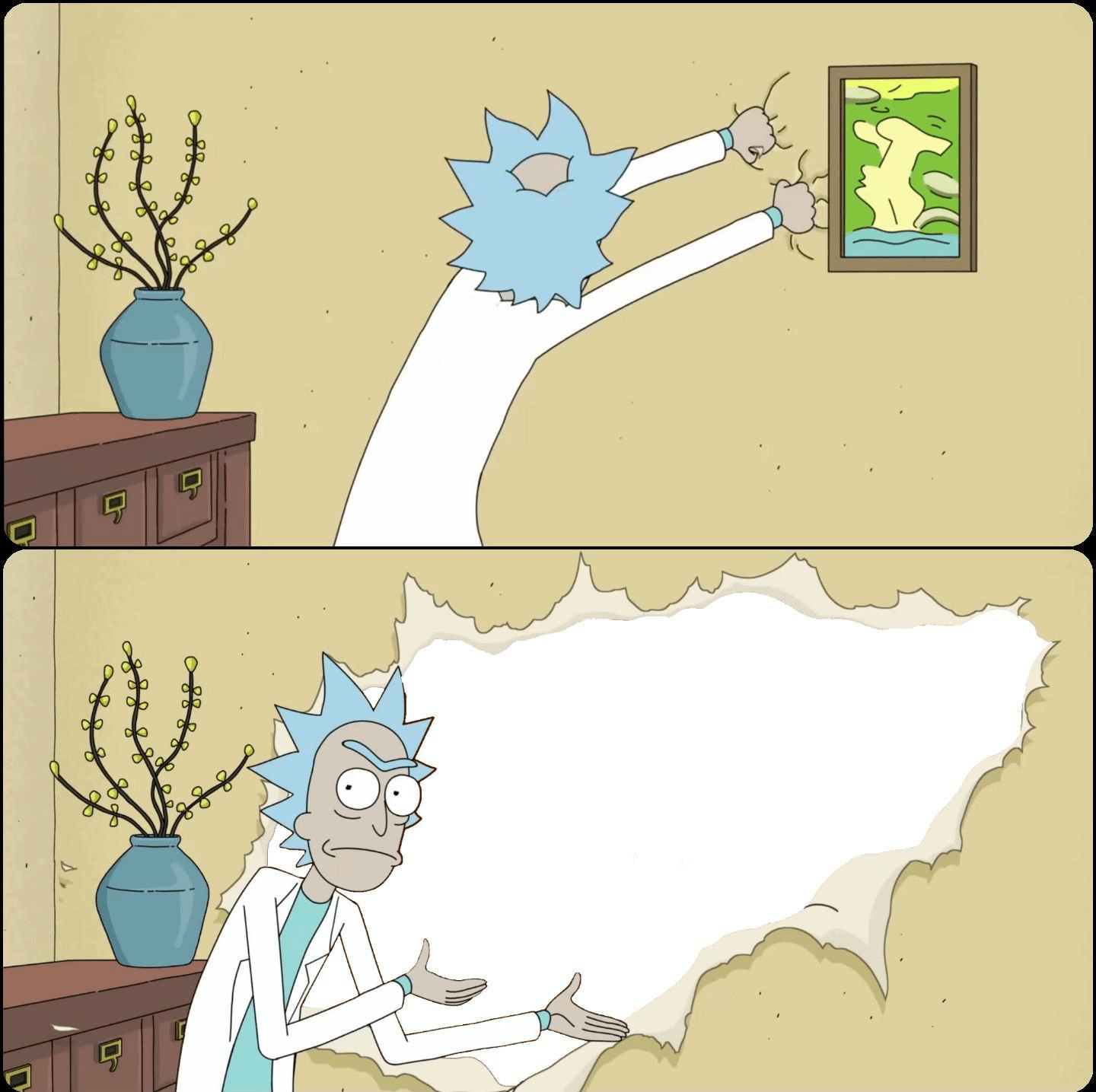
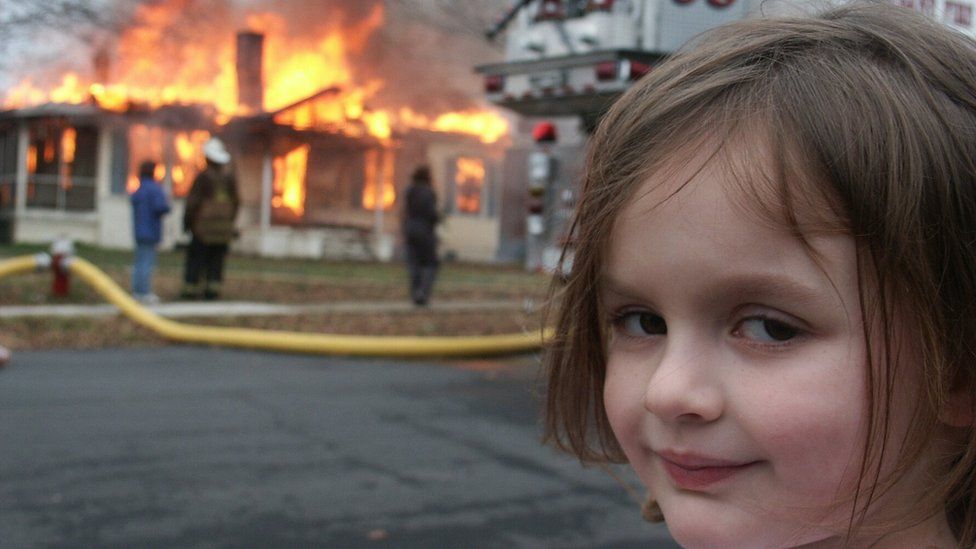
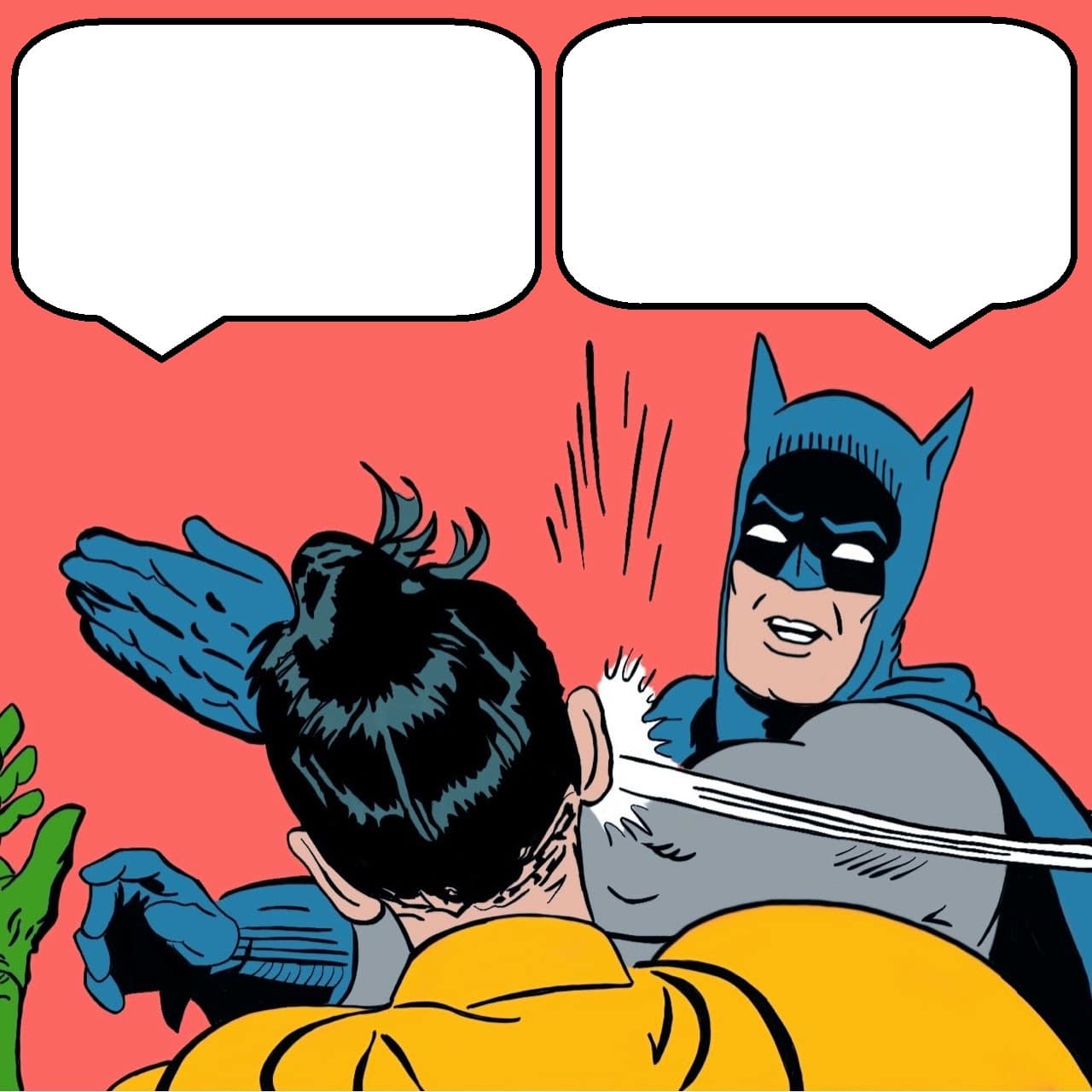
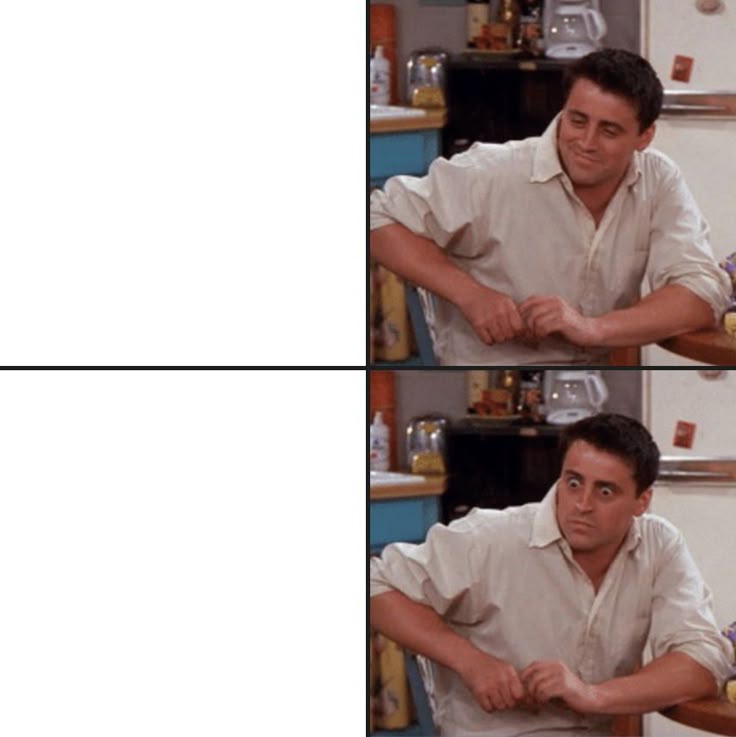
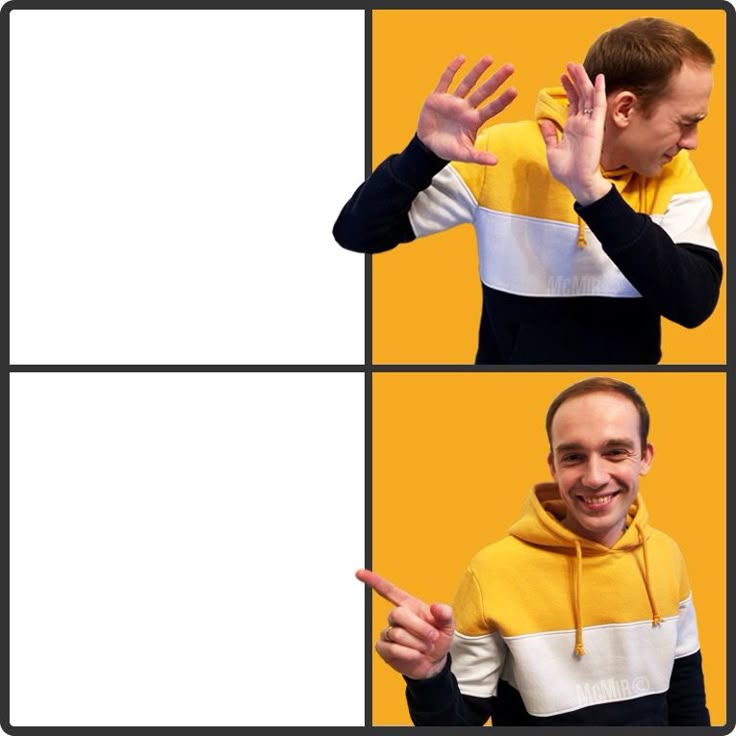
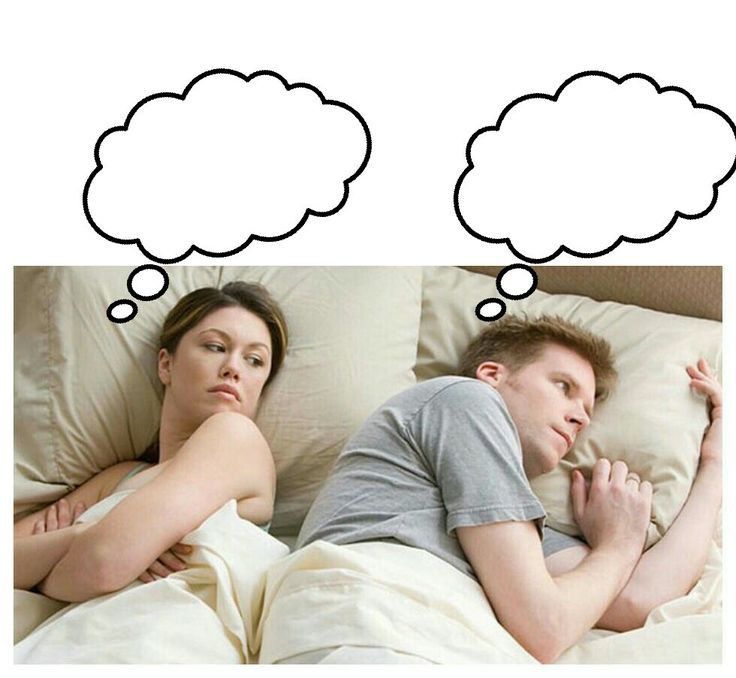
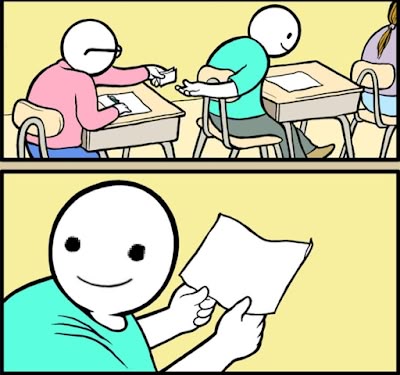
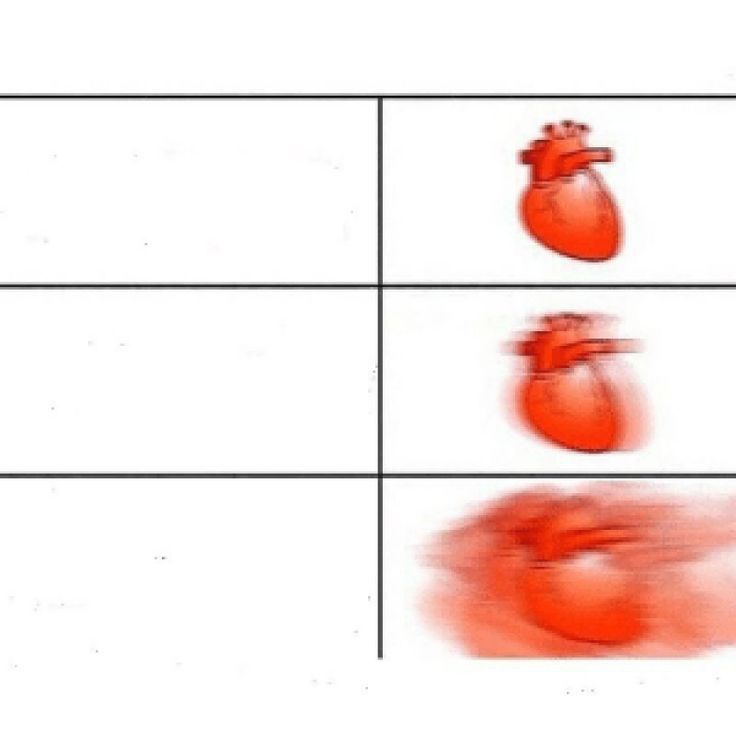
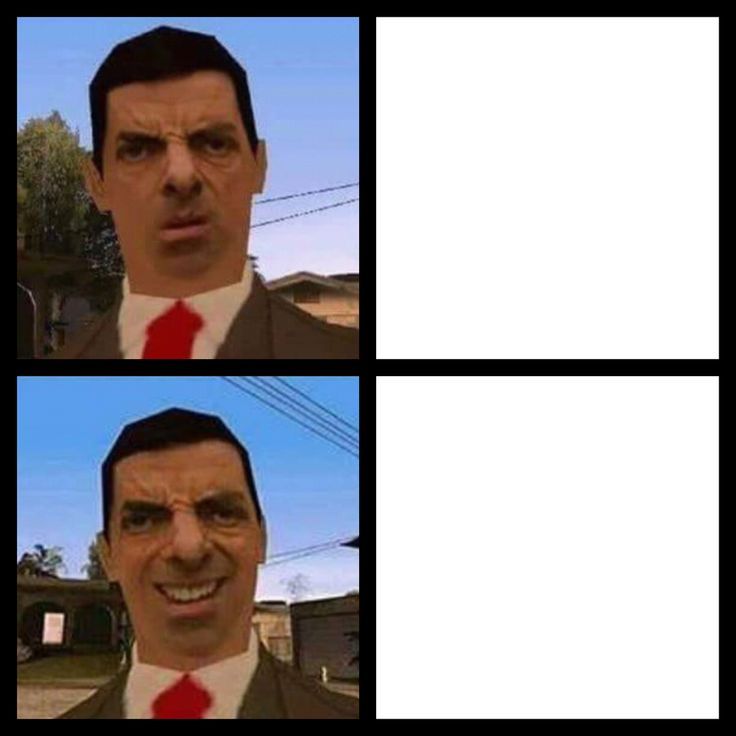
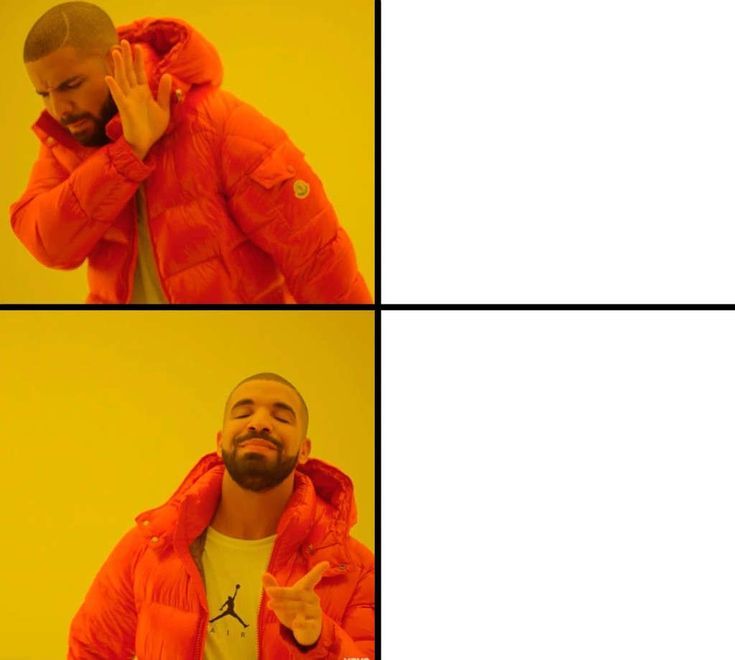
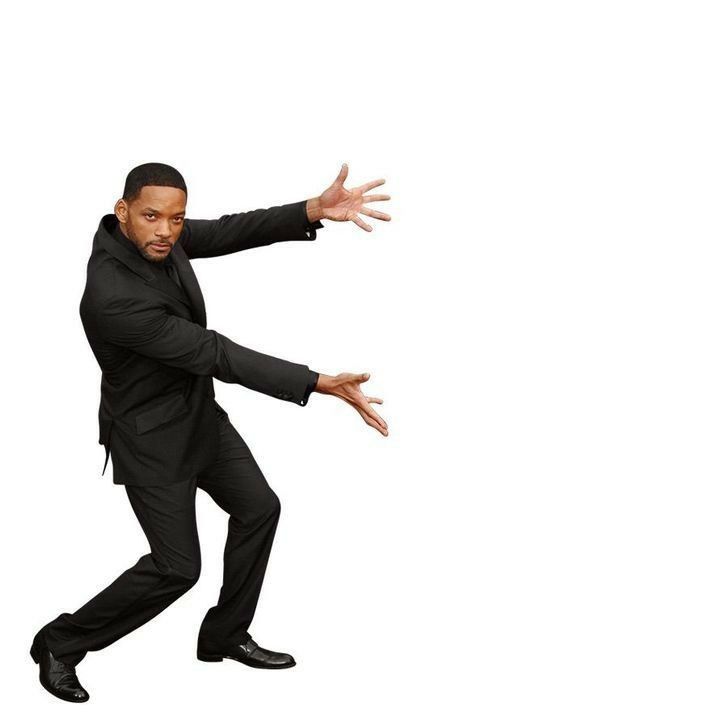
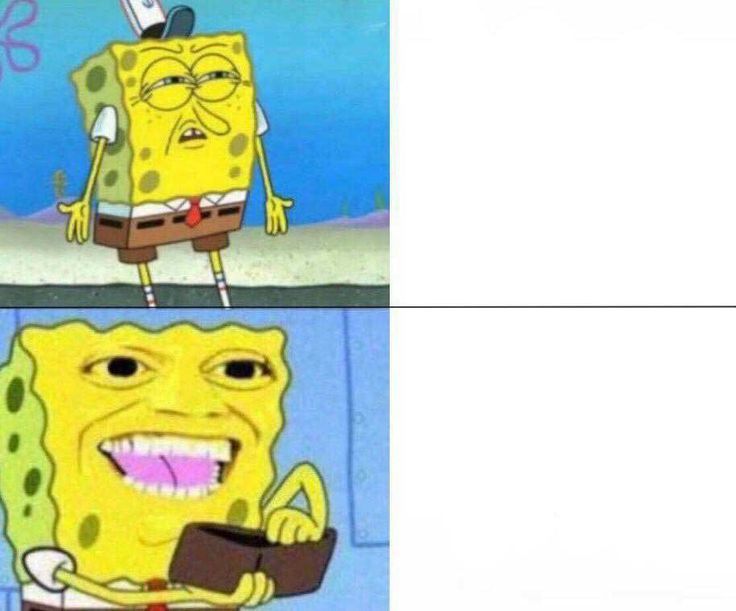
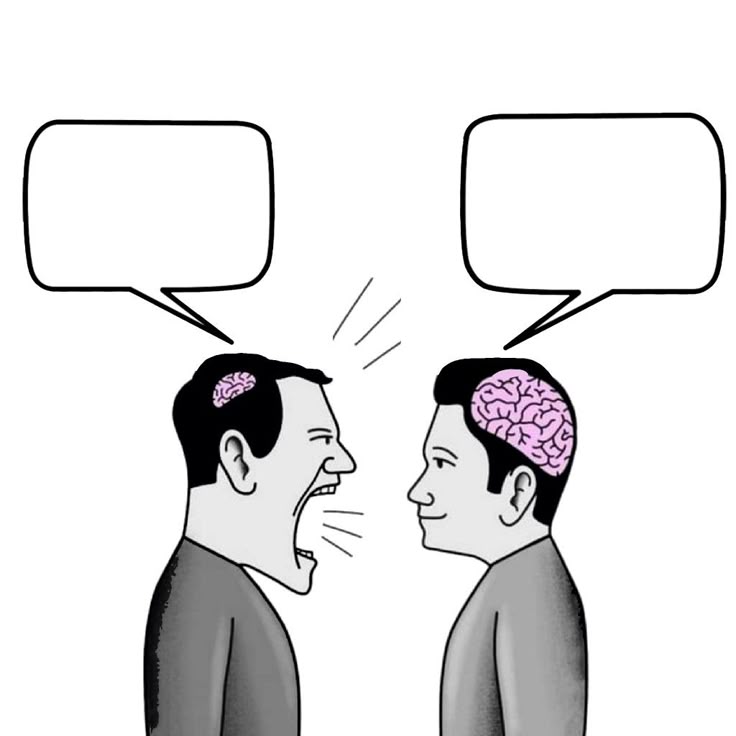
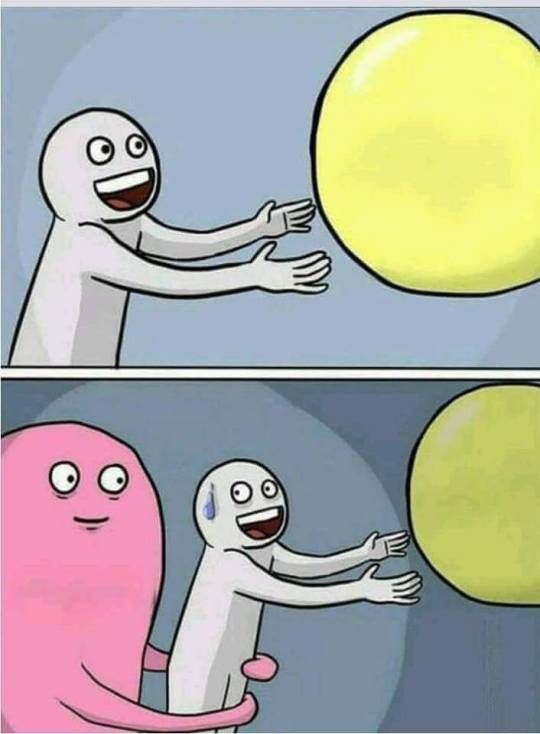
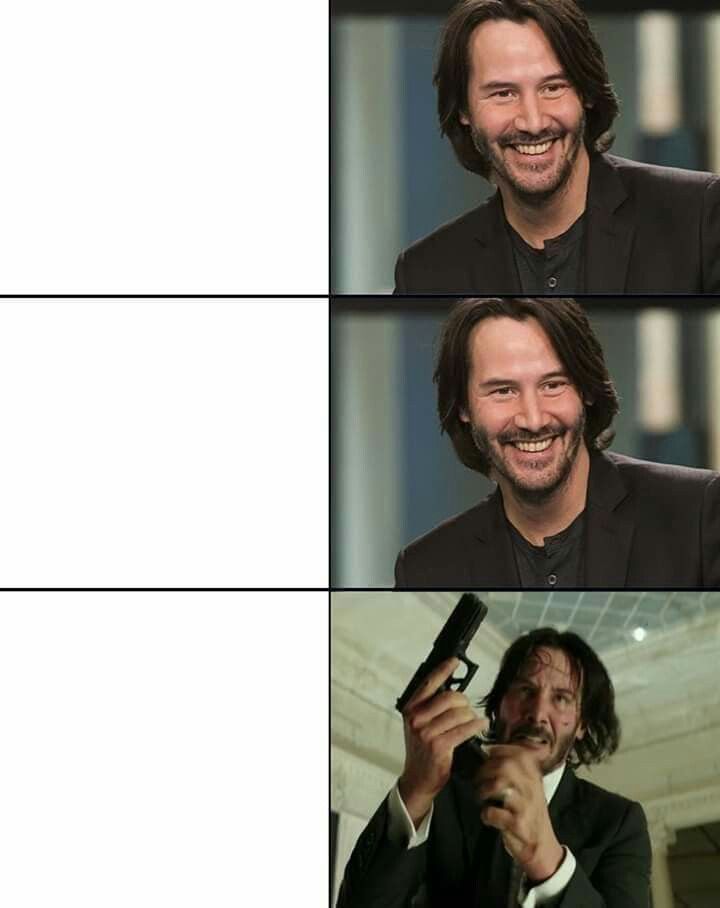
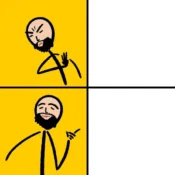
Use Popular Meme Templates: Browse a library of the most used meme formats — Distracted Boyfriend, Drake Pointing, This is Fine, Two Buttons, Woman Yelling at Cat, Expanding Brain, and many more. Click a template and start adding your text instantly.
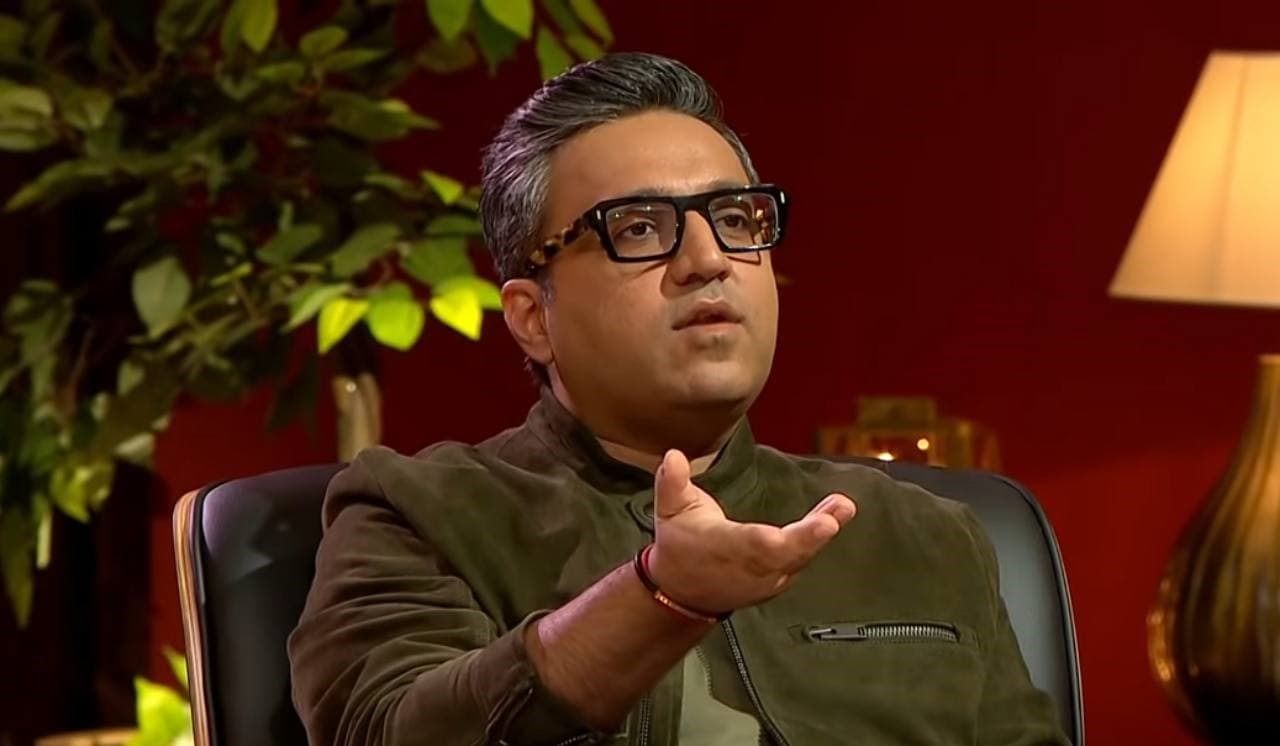
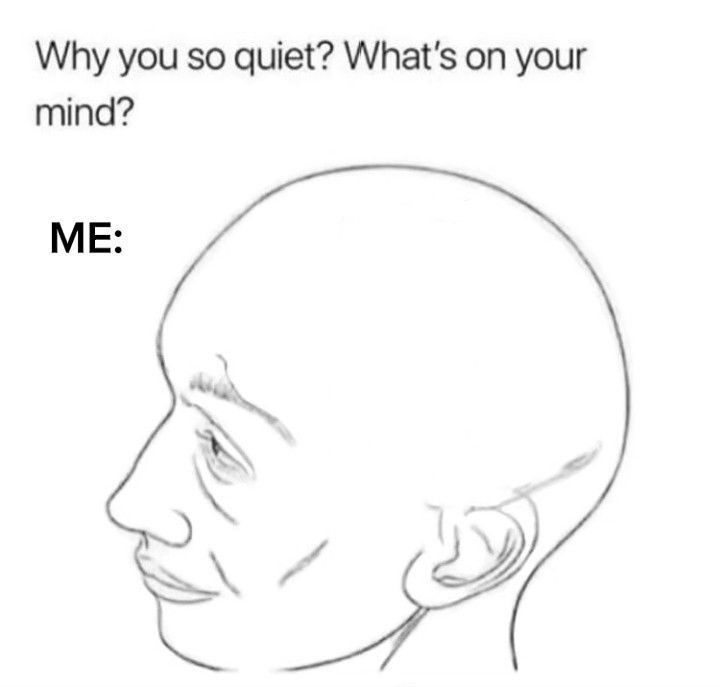
Upload Your Own Image: Have a custom photo or screenshot you want to turn into a meme? Upload any JPEG or PNG and add your text overlay on top. Perfect for inside jokes, personalized humor, or creating entirely original meme formats.
Custom Text Styling: Add bold white text with black outlines (the classic meme style), or choose custom font colors, sizes, and positions. Place text at the top, bottom, center, or anywhere on the image.
Download and Share: Download your meme as a JPEG or PNG file, ready to share on WhatsApp, Instagram, Twitter/X, Telegram, Reddit, or any platform of your choice.
How to Make a Meme on PathGyan
- Choose a template or upload your image — Browse our meme template library or upload your own image by clicking the Upload button.
- Add your text — Type your top text and/or bottom text in the text fields. Classic meme style uses all caps.
- Customize — Adjust font size, color, and text position if needed. Most memes look great with the default bold white text + black outline style.
- Preview — See your meme exactly as it will appear in the preview window.
- Download — Click Download to save your meme as a PNG or JPEG to your device.
No watermarks. No account required. Ready to share in under 60 seconds.
Frequently asked questions
Yes — completely free. No account, no subscription, no payment. Create and download as many memes as you want at no cost.
No. PathGyan’s meme maker works instantly without any login or account creation. Open the tool, pick your template, add text, and download.
No watermarks are added to your meme downloads. The meme you download is clean and ready to share exactly as you see it in the preview.
Yes. Click the “Upload Image” option to use any JPEG or PNG photo as the base for your meme. This is perfect for creating custom or personalized memes using photos of friends, events, screenshots, or original images.
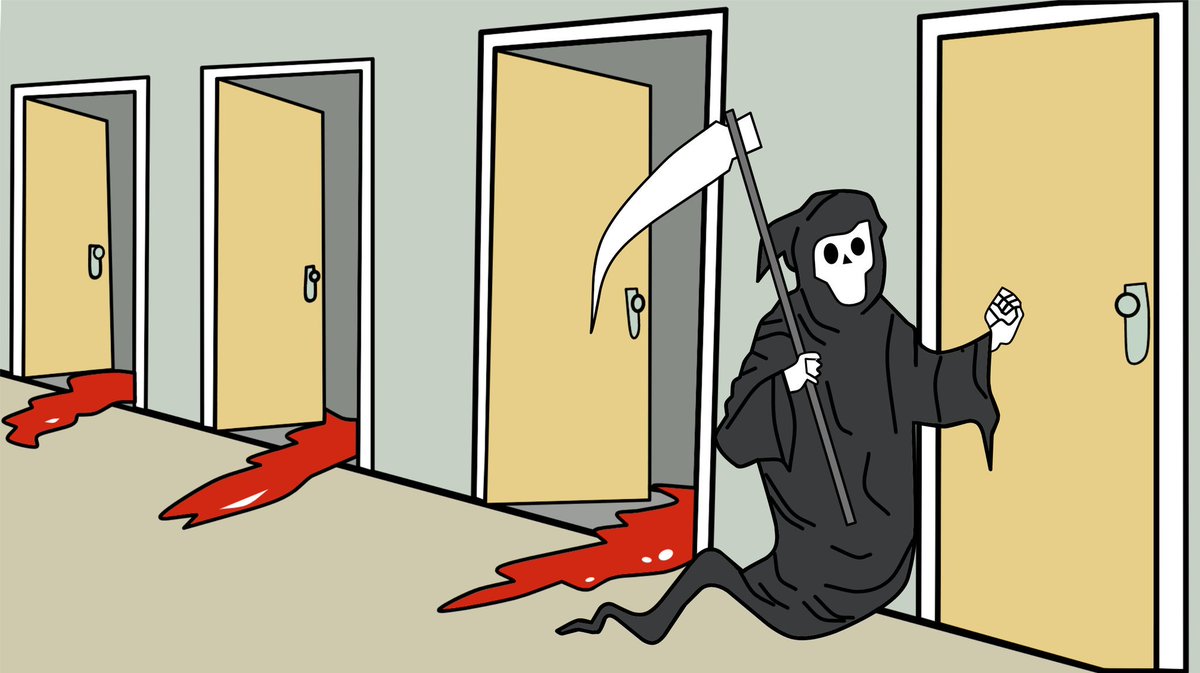
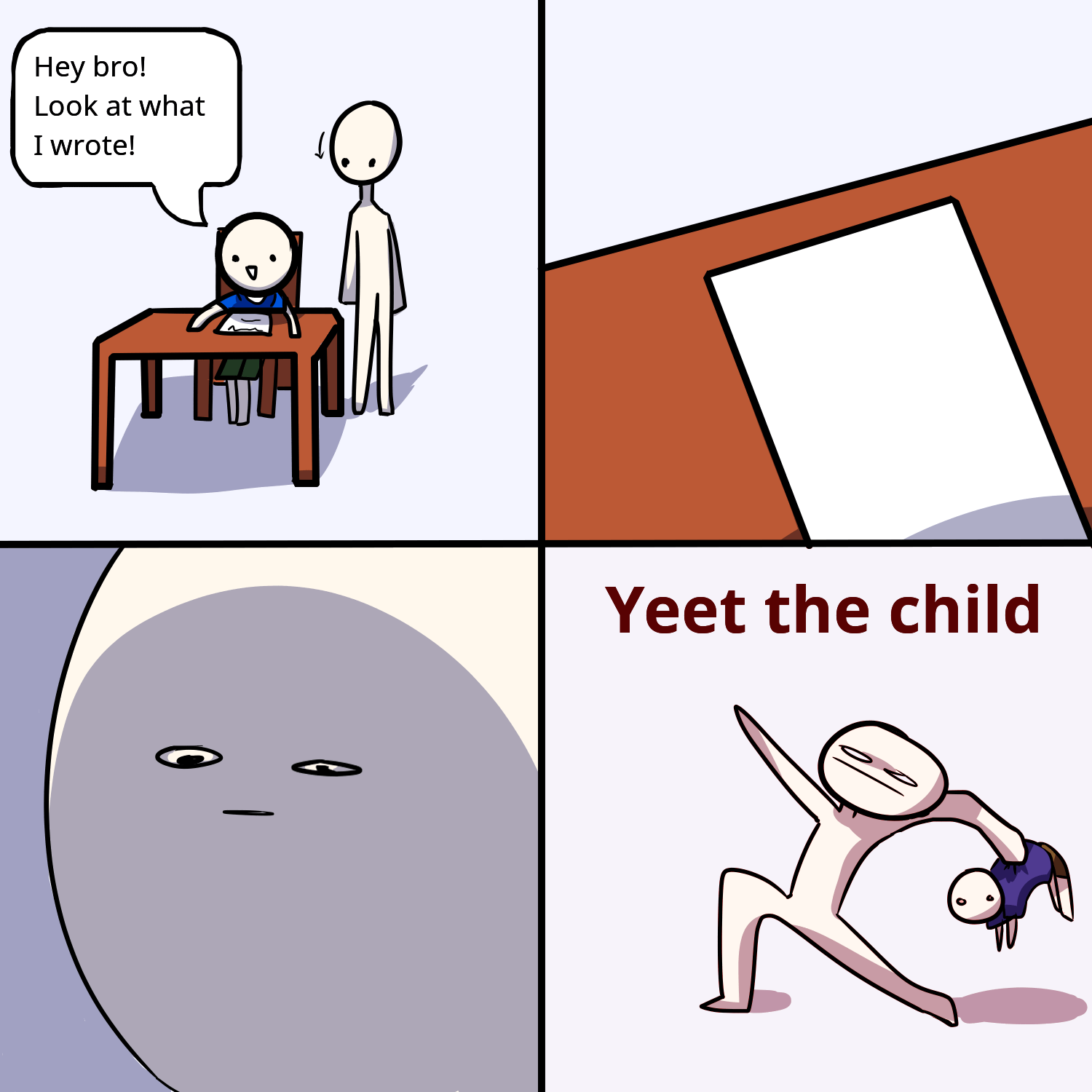
Our library includes the most popular internet meme templates including Distracted Boyfriend, Drake Hotline Bling, This Is Fine, Expanding Brain, Two Buttons, Woman Yelling at Cat, Change My Mind, Surprised Pikachu, Ight Imma Head Out, and many others. New templates are added regularly based on trending meme formats.
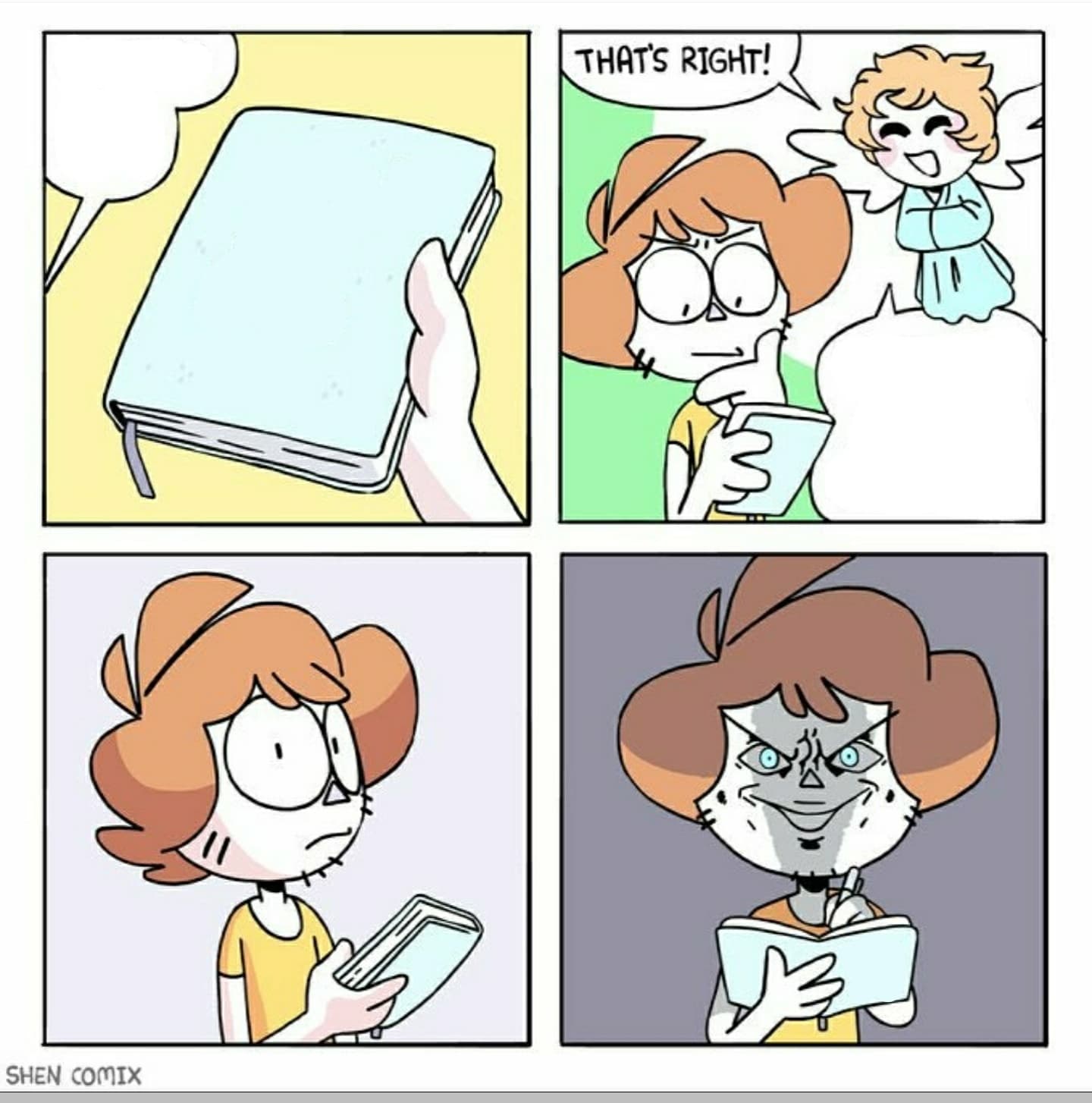
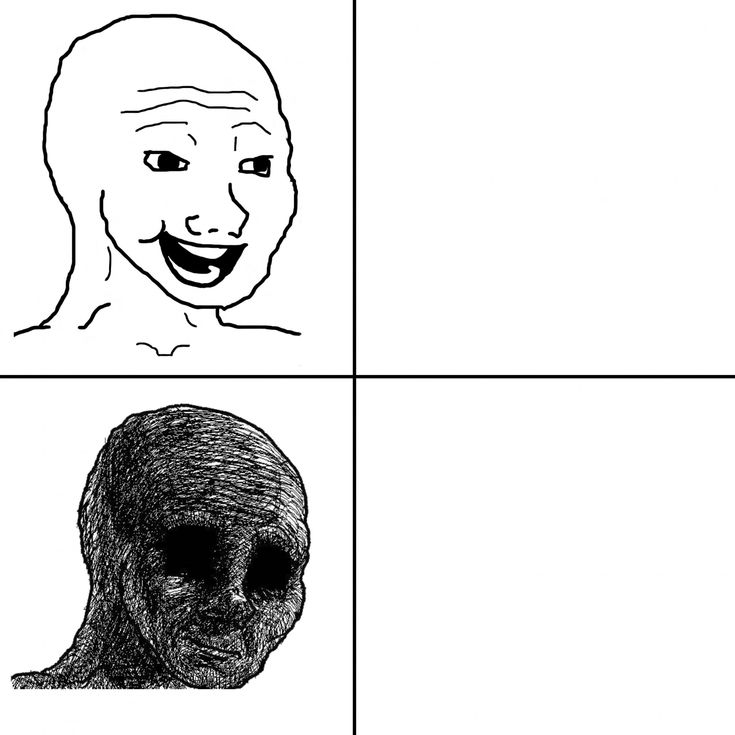
The classic meme format uses top and bottom text. The tool supports both. For memes requiring additional text blocks (like Expanding Brain or multi-panel memes), you can add text in multiple positions depending on the template.
Memes can be downloaded as PNG (higher quality, larger file) or JPEG (compressed, smaller file). For sharing on WhatsApp, Telegram, or Twitter, JPEG is typically sufficient. For memes with transparent elements or sharp text, PNG is recommended.
Memes you create using your own uploaded images are yours to use as you like. For memes created from popular templates, be mindful of the original image copyright. Using such memes for non-commercial humor and social sharing is generally accepted, but commercial use of third-party copyrighted images should be approached with care.